

What it does
Detects your song
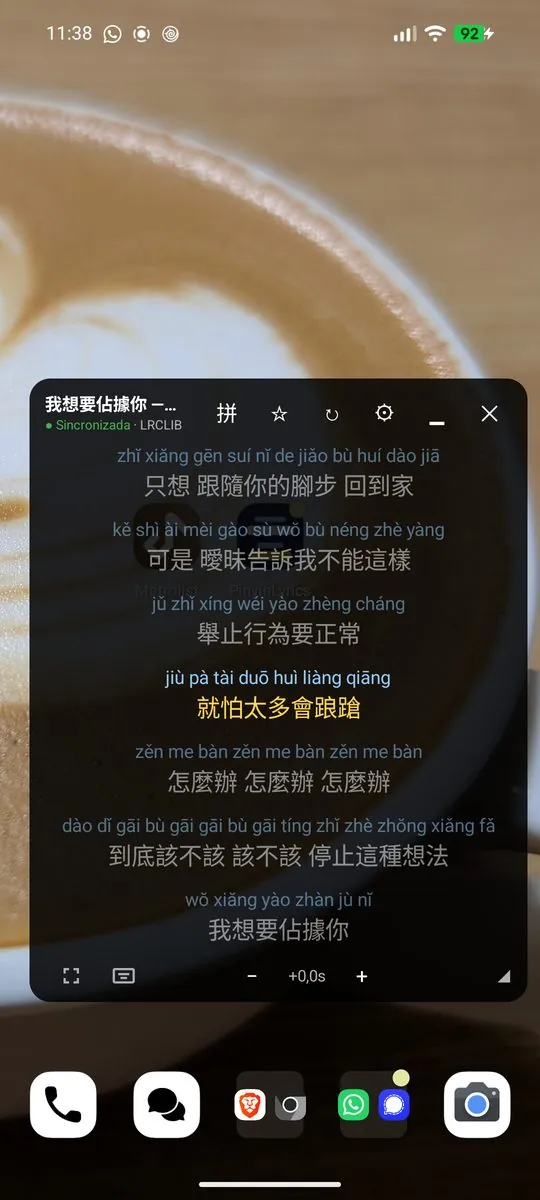
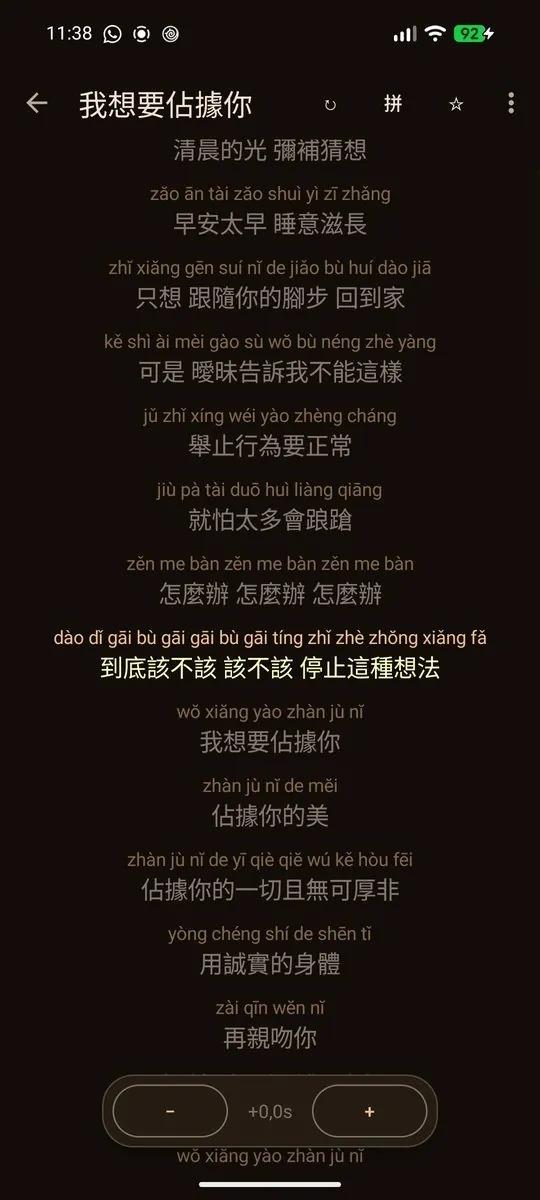
Reads the song playing in your music app and shows its synced lyrics, highlighted in real time.
Floating window
Move it, resize it or shrink it to a bubble. It can open by itself when music starts.
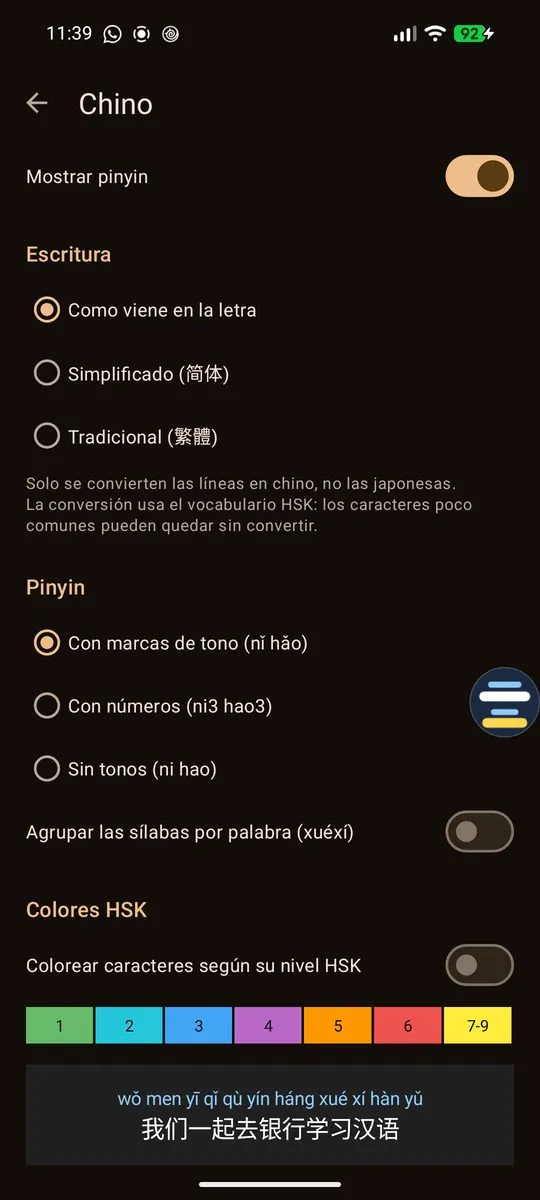
Chinese pinyin
Word-by-word pinyin with tone marks, numbers or none, HSK level colours and a simplified/traditional switch.
Japanese & Korean
Romaji with kanji readings, and Revised Romanization for Korean.
Search & favourites
Find lyrics by title or artist, pick the right version, and save favourites for offline use.
Private & free
No accounts, no ads, no analytics. Available in 11 languages.
Guides for learning with songs
Learn Chinese with songs: a practical guide
How to learn Mandarin with songs: pick the right tracks, read pinyin without getting lost, and turn lyrics into vocabulary you actually remember.
Read more →How to see pinyin lyrics on Android while you listen
Show pinyin lyrics for any song playing on your Android phone, in a floating window over your music app, with synced highlighting.
Read more →How to choose Chinese songs for your HSK level
Find songs that match your HSK level: what makes lyrics easy or hard, and how HSK colour-coding shows what you already know.
Read more →Romaji and Korean romanization for song lyrics
See romaji for Japanese songs and Revised Romanization for Korean songs in a floating lyrics window on Android, with kanji readings.
Read more →Frequently asked questions
Is PinyinLyrics free?
Yes. It's free, with no ads, no accounts and no analytics.
Which music apps does it work with?
It reads the song that's playing from the media controls Android shows, so it works with most music and video apps that publish the title and artist. Spotify and YouTube Music are common examples.
Why does it ask for notification access?
Android shares the currently playing media information through the notification listener permission. PinyinLyrics uses it only to know the title, artist and position of the song. It doesn't read or store the content of your notifications or messages.
Why can't it find the lyrics for some songs?
Lyrics come from LRCLIB, an open community service, and not every song is available there. You can search by title or artist and pick another version, and the app remembers your choice for that song.
Does it work offline?
Pinyin, romaji and romanization are generated on your phone. Lyrics need an internet connection to download, but songs you save as favourites can be opened without one.
Is there an iPhone version?
Not for now. PinyinLyrics is for Android 8.0 and newer.
Which languages does it support?
It shows pinyin for Chinese (simplified and traditional), romaji for Japanese and Revised Romanization for Korean. The app itself is available in 11 languages.
Join the beta
PinyinLyrics is in closed testing on Google Play. Join the testers group to get early access and help shape the app.